Keyboard Shortcuts
Navigate Atlas without a mouse
Keyboard Shortcuts
Reading time: 3 minutes
Atlas supports keyboard shortcuts for navigating lists, working with detail panels, and acting on records without reaching for the mouse. Press ? anywhere in the app (outside a text field) to bring up the built-in shortcuts reference.
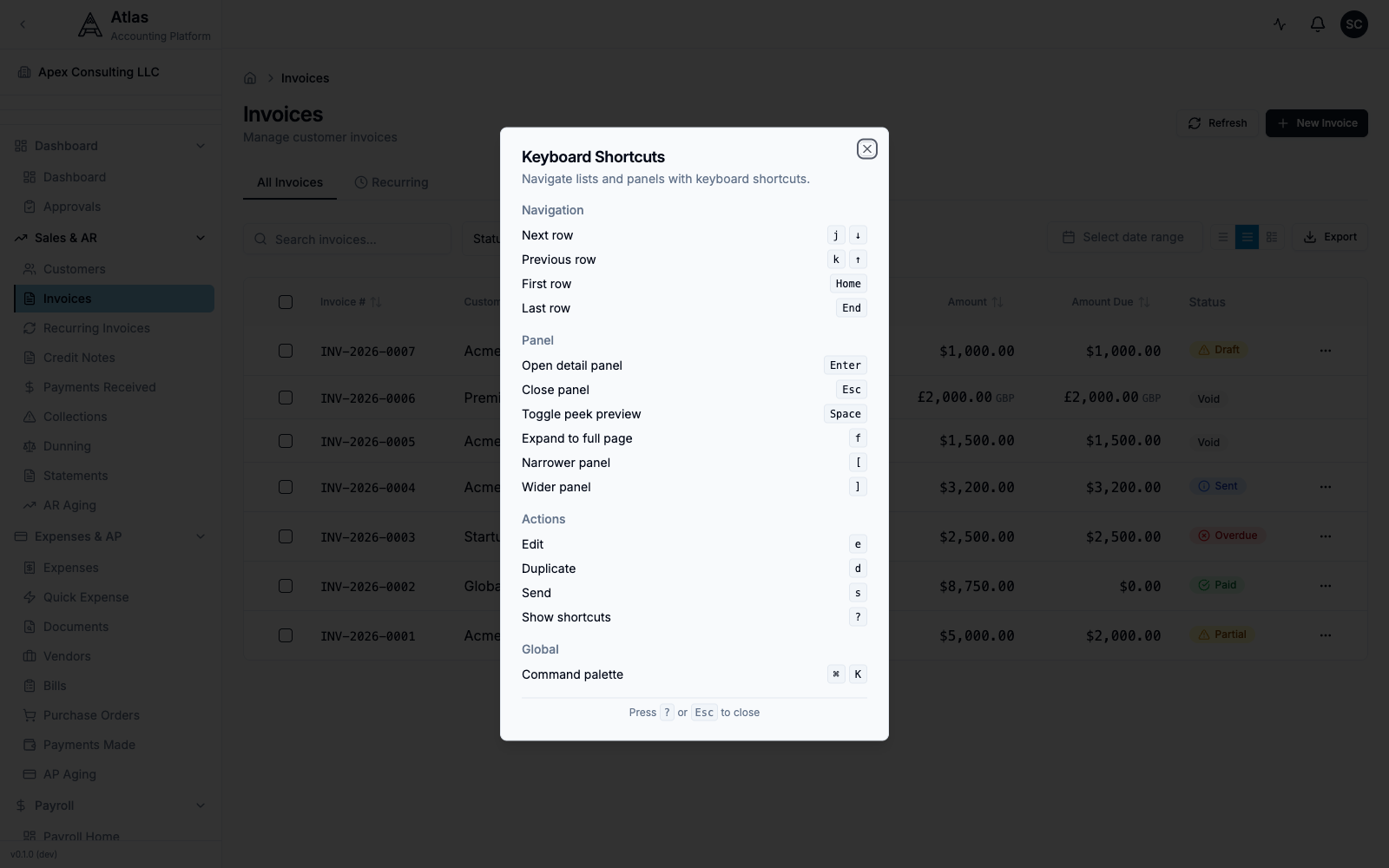 The Keyboard Shortcuts dialog in Atlas, opened with the ? key, listing the Navigation, Panel, Actions, and Global shortcuts.
Global
| Shortcut | Action |
|---|---|
| ⌘+K (Ctrl+K) | Open the command palette — search and jump to any page |
| ? | Show the keyboard shortcuts dialog |
| Esc | Close the open dialog, panel, or command palette |
The command palette (⌘+K) is the fastest way to move around Atlas: open it, type the name of a page or record, and press Enter to go there. It replaces the need for dedicated "go to" shortcuts.
List Navigation
When you're on a list (Invoices, Bills, Journal Entries, and other tables), move through rows without the mouse:
| Shortcut | Action |
|---|---|
| J or ↓ | Next row |
| K or ↑ | Previous row |
| Home | First row |
| End | Last row |
Detail Panel
Lists that open records in a side panel support these:
| Shortcut | Action |
|---|---|
| Enter | Open the detail panel for the active row |
| Esc | Close the panel |
| Space | Toggle the peek preview |
| F | Expand the panel to the full page |
| [ | Make the panel narrower |
| ] | Make the panel wider |
Actions
With a row selected or a detail panel open, these single-key accelerators act on the current record:
| Shortcut | Action |
|---|---|
| E | Edit |
| D | Duplicate |
| S | Send (where applicable) |
| ? | Show the keyboard shortcuts dialog |
Tips
- Shortcuts are disabled while a text input, textarea, or select is focused — so typing in a form never triggers them. Click outside the field (or press Esc) first.
- The E, D, and S action keys are context-aware: they apply to the record you currently have selected or open.
- Not every list exposes every shortcut — the ? dialog always reflects what's available, and panel shortcuts only apply on pages that use the side-panel layout.